25 lines
1.2 KiB
Markdown
25 lines
1.2 KiB
Markdown
|
|
# Minimal Godot Theme
|
|
|
|
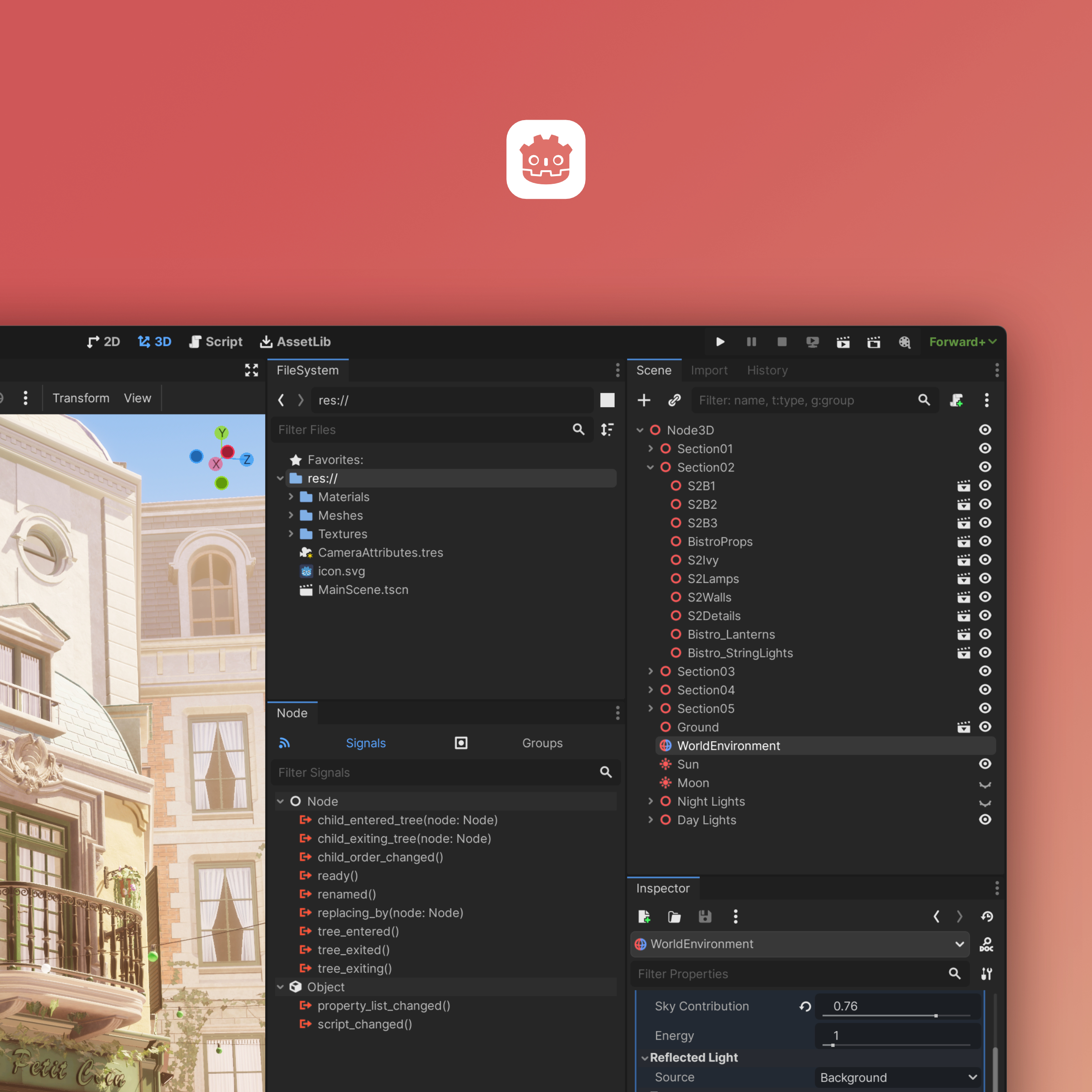
|
|
|
|
<img width="1200" alt="theme_02" src="https://github.com/passivestar/godot-minimal-theme/assets/60579014/c85e66c1-a3a2-4b2d-8f2f-e1e3a43b19e5">
|
|
|
|
## Installation
|
|
|
|
- Go to [Releases](https://github.com/passivestar/godot-minimal-theme/releases) and download the `.tres` file of the latest version. Use the high ppi file for high pixel density displays (i.e if you're using a laptop with a high-resolution display and in-engine display scale over 100%)
|
|
- In Godot open `Editor Settings -> Interface -> Theme`, and choose the downloaded theme in the `Editor Theme` field
|
|
|
|
## Recommended settings
|
|
|
|
To match the look of the theme in the screenshot use the following settings:
|
|
|
|
- Base Color: `#252525`
|
|
- Accent Color: `#569eff`
|
|
- Contrast: `0.2`
|
|
- Icon Saturation: `2`
|
|
|
|
## Compatibility
|
|
|
|
If you're using a different base color rather than the recommended one (non-monochrome), input fields may look wrong. I did my best to support all editor settings, however, as of today, some things in Godot just can't be themed. There's no way to style `LineEdit`s with support for different base colors
|